
Libraries
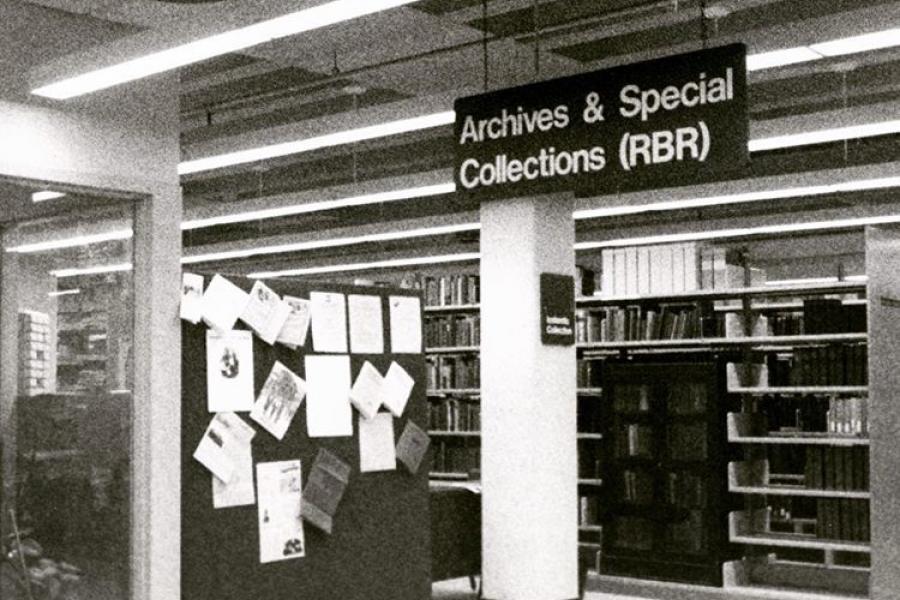
Archives & Special Collections
UM Archives will be closed April 25, 2024 for a special event.
Archives is open 8:30 a.m. to 4:30 p.m., Monday to Friday, for in-person research. We encourage you to make an appointment so that archivists can best serve your research needs.
Archives & Special Collections
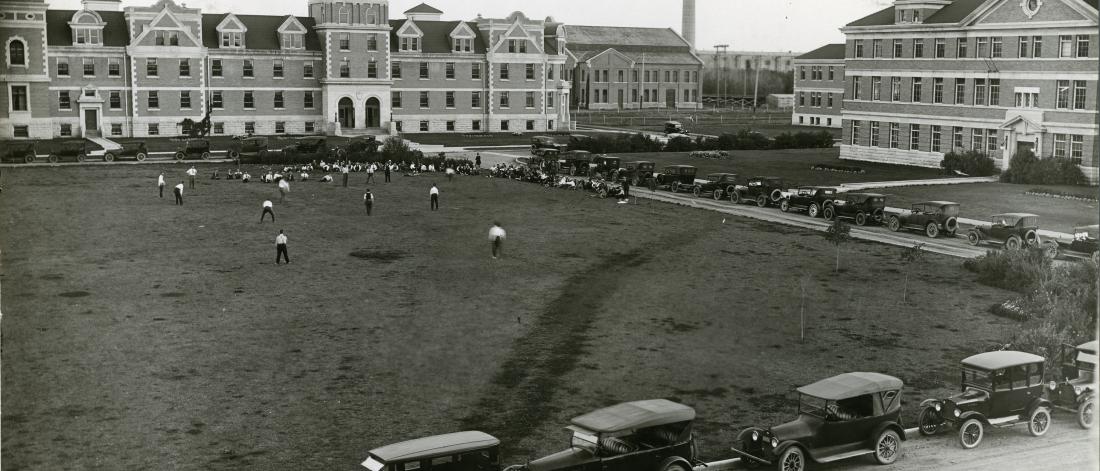
Discover the University of Manitoba’s institutional history and that of the broader community where this history supports the educational and research aims of the University.
Learn how to use archival material and explore our physical and digital collections in-person or virtually.
Our collections
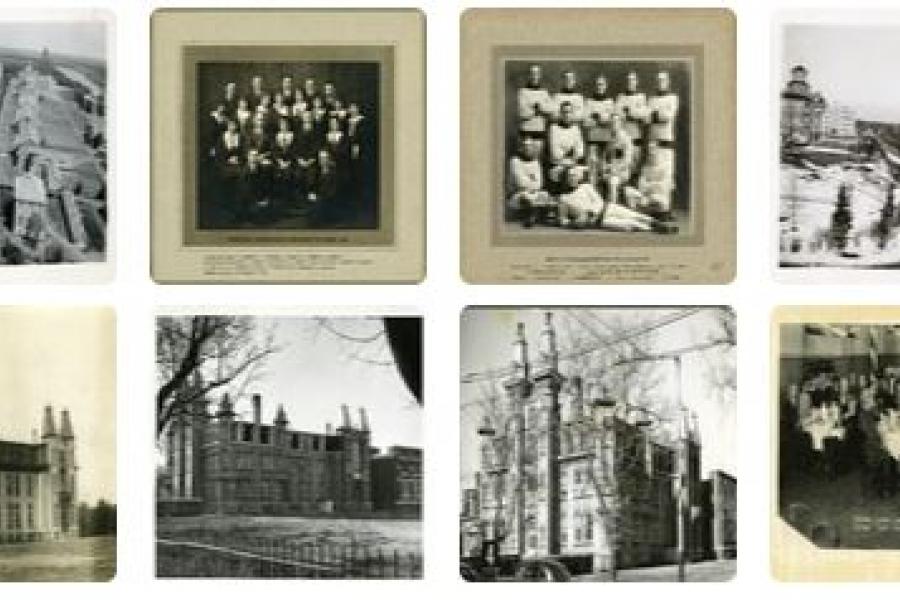
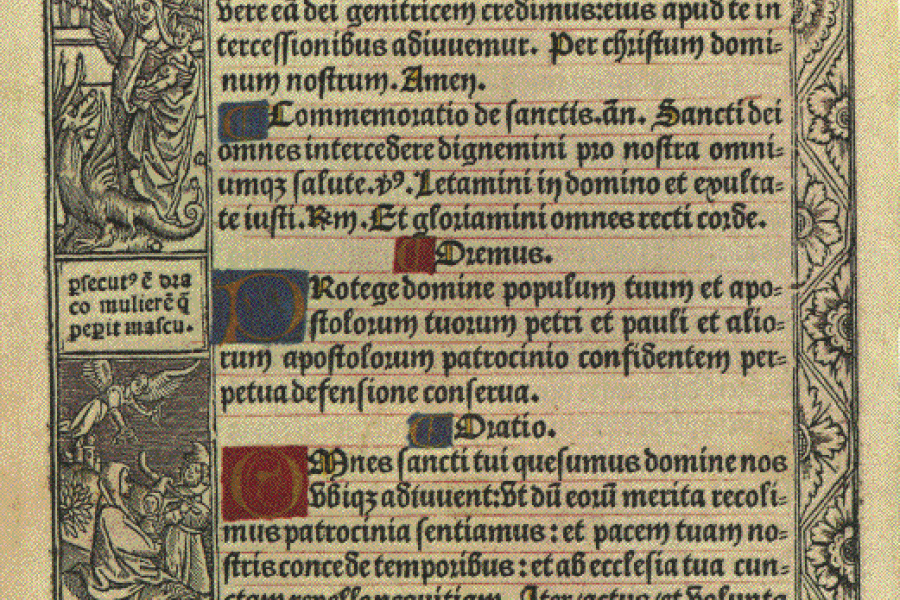
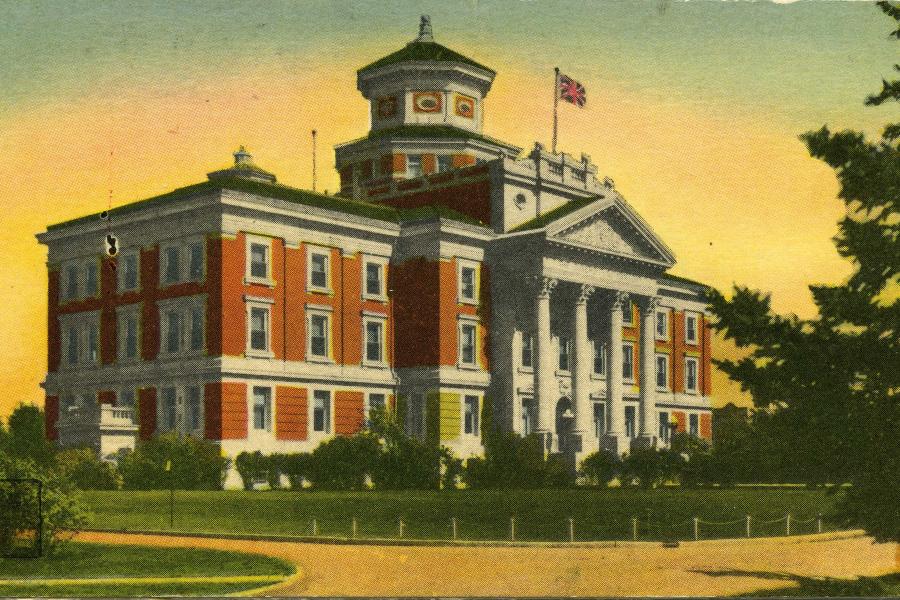
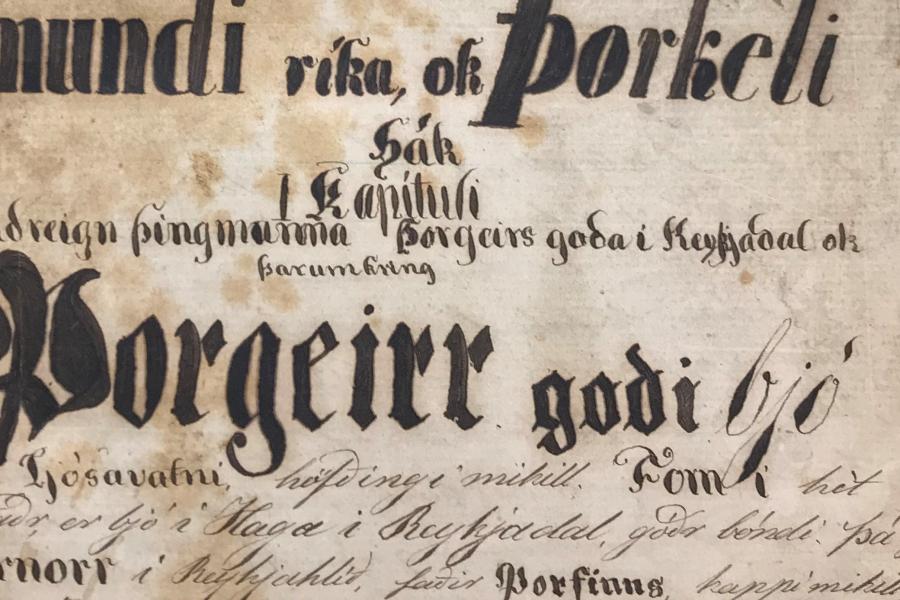
Learn more about the wide variety of physical and digital collections
Using archives
About us
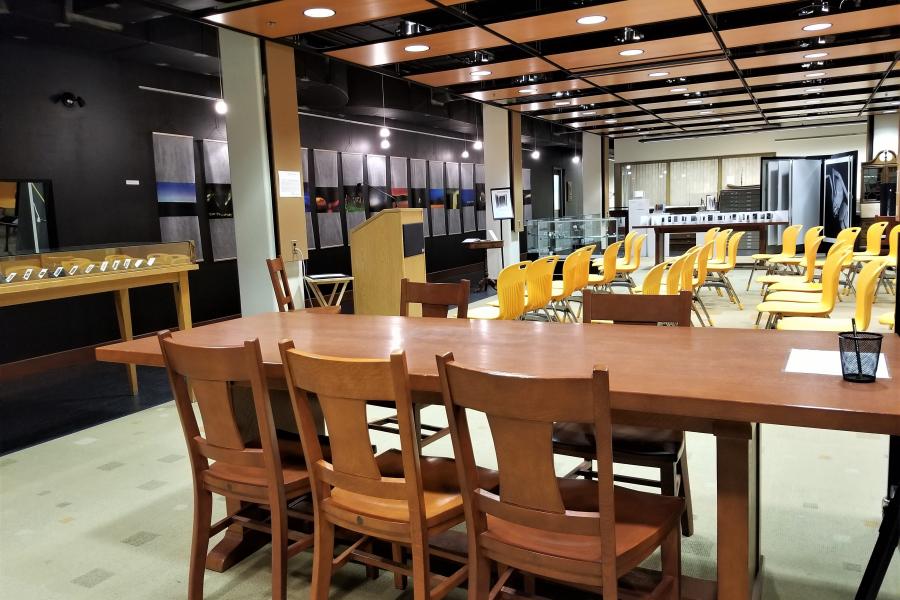
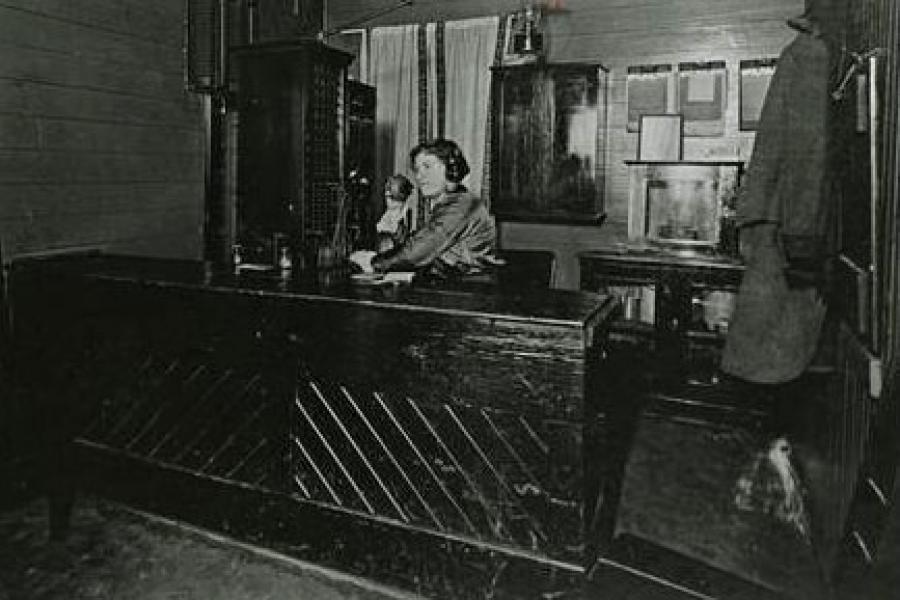
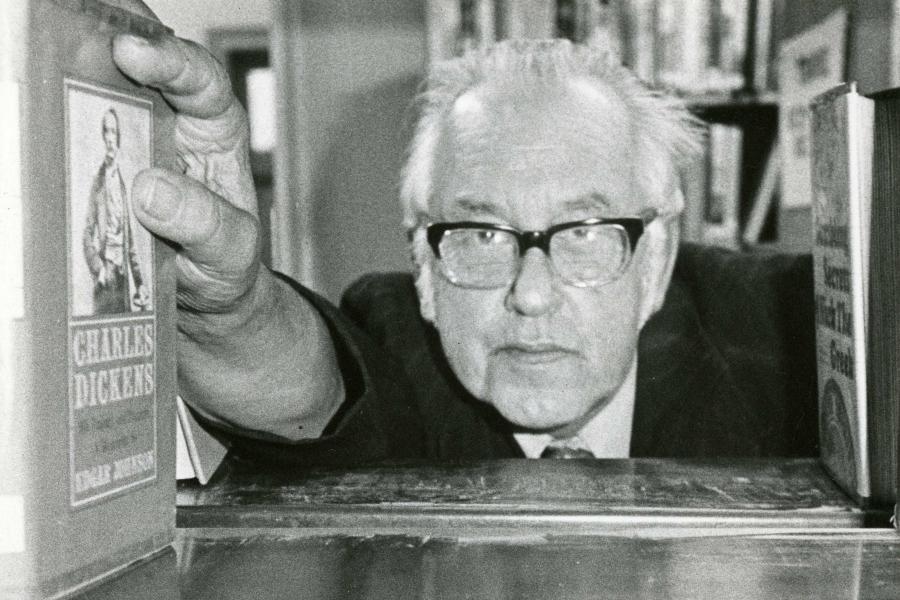
Mission & mandate
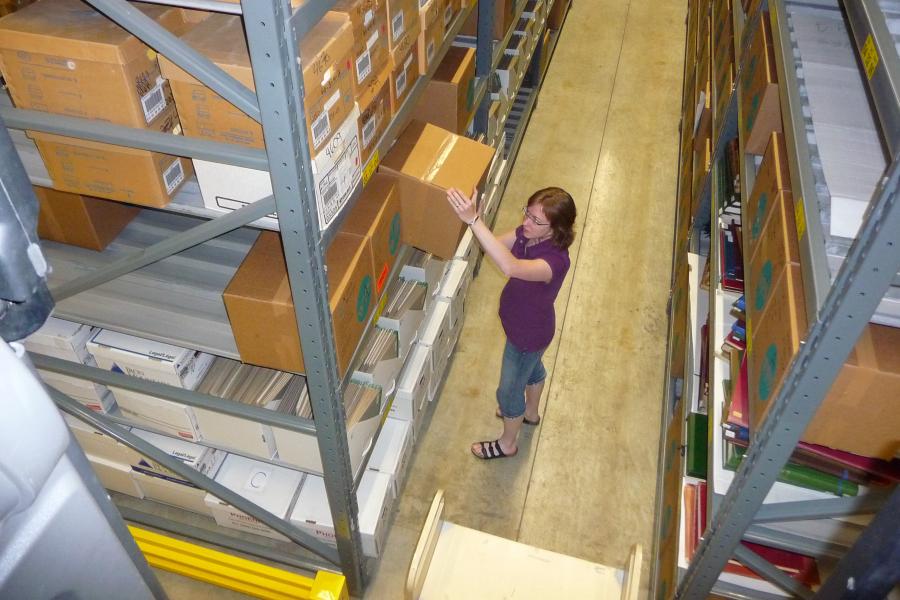
Since its establishment in 1978, the Archives' mission has been to acquire, catalogue and preserve university records and special research collections which further the educational aims of the University of Manitoba, and to promote and provide wide access to them.
The Archives' wide-ranging collection mandate includes the acquisition of the records of the University of Manitoba, Canadian Prairie Literary Manuscripts, the Archives of the Agricultural Experience and rare books in the areas of western Canadiana, early Arctic exploration, early Native language syllabics, spiritualism, church history and philosophy, and agriculture among others. For more information on our mandate, the University of Manitoba's Archives Policy is available here.
Events
Contact us
Archives & Special Collections
Room 330, Elizabeth Dafoe Library
25 Chancellors Circle
University of Manitoba
Winnipeg, MB R3T 2N2 Canada