

Justin Zarnowski
Instructor, Canadian Business Law
Determine your path
Explore your options for professional development programs and courses, or to prepare for degree studies.
- Business, finance and management
- Process and technology management
- Public sector and municipal administration
- Intensive program packages
- Adult education design and instruction
- Applied social sciences
- Social innovation and lifelong education
- Professional development in higher education administration
- Courses
- Pathways to degree studies
- The Access Program
What students, instructors, and graduates say
-
-
Helen Guenther
Student, Extended Education -
Matt MacRae
Grad, Applied Counselling



You may also be interested in
Contact us
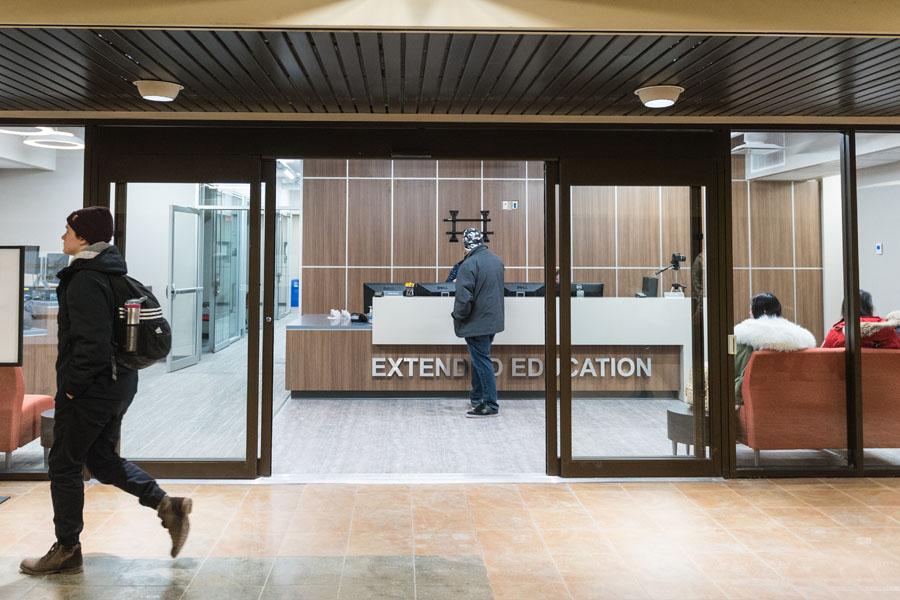
Extended Education
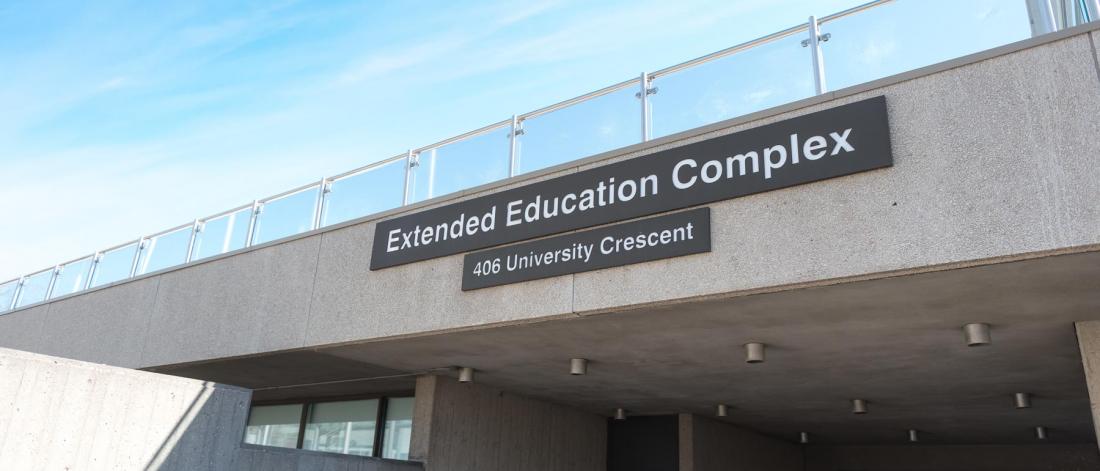
185 Extended Education Complex
University of Manitoba (Fort Garry campus)
Winnipeg, MB R3T 2N2 Canada
204-474-8800
Toll free: 1-888-216-7011