
There are a number of ways to get the SUN Java Runtime Environment (JRE) plug-in installed on your computer.
Important facts about the SUN JRE plug-in:
Types of installs:
- Web Pop-up Install: If you are using Internet Explorer or Firefox, your browser will recognize that a Sun Java JRE Plug-in is needed and will prompt you to do a Web Pop-up Install. NOTE: Install instructions vary slightly for each browser.
Open an Internet Explorer or Firefox web browser and go to: http://banner.cc.umanitoba.ca/. You can also click one of the following links to take you to the Aurora Finance Launch Page or the Aurora Student Launch Page.
Step 1a - Firefox users will be presented with a "Click here to download plug-in" option on one screen, followed by the Sun Java Plug-in installation screen.
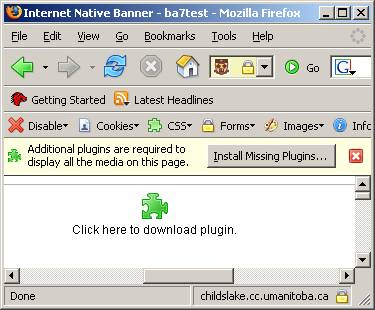
- Click the Click here to download plug-in icon
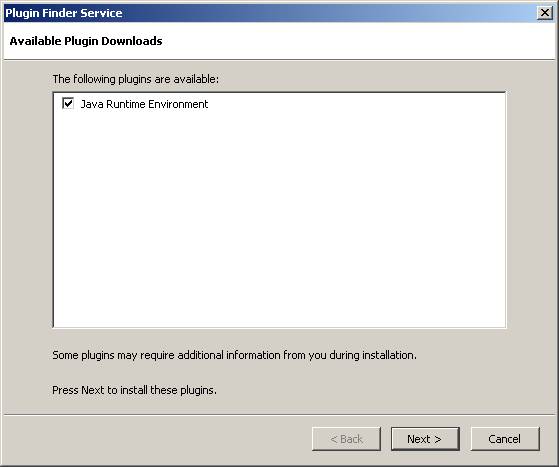
- Click the Next > button
Step 1b - Internet Explorer users will see one screen indicating that the JRE is required and must click the Install button.
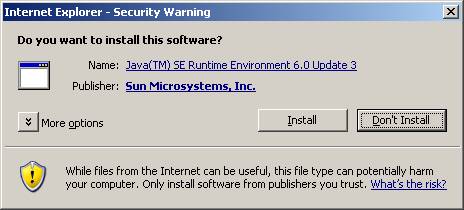
- Click Install button
Step 2 - Follow the on-screen instructions and the JRE plug-in will be installed.
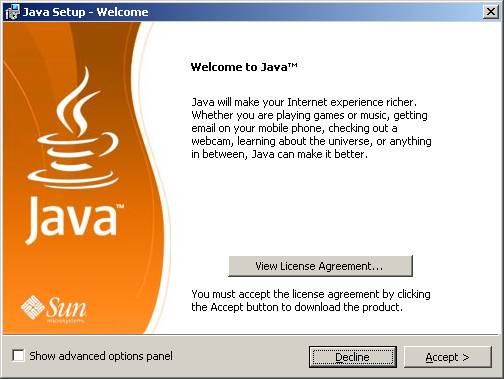
- Click Accept > button
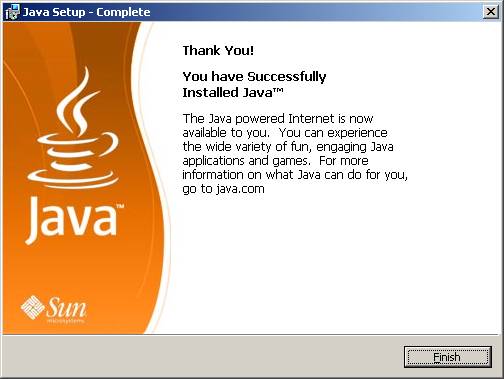
- Click Finish button
Step3 - If you are using Firefox, you will be instructed to re-launch the browser, before a login can take place. If you are using Internet Explorer you will be prompted to log in.
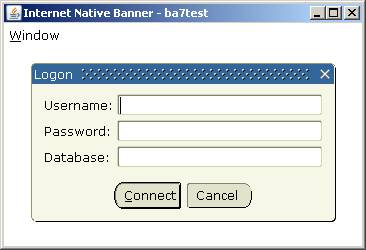
- Login as usual
Web Pop-up JRE installation is complete
IST SERVICE DESK
Mon - Fri: 8am to 8pm
204-474-8600 or

After hours, weekends & holidays.
204-474-8600, press 2 to report a critical system outage
Walk-In:
Fort Garry
123 Fletcher Argue
Mon - Fri: 8am to 6pm
Join the queue:
Text your name to 431-631-0844
or scan the QR code below:

or visit: https://3601.waitwell.ca/join/1
Bannatyne
230 Neil John Maclean Library
Mon - Fri: 8am to 4:30pm
Join the queue:
Text your name to 431-631-6555
or scan the QR code below:

or visit: https://3602.waitwell.ca/join/5
New! Submit requests & check ticket status online at: umanitoba.ca/ist/service_catalogue/